
 1. Postable
 1. Postable
Best For: Sending physical cards without touching a pen.
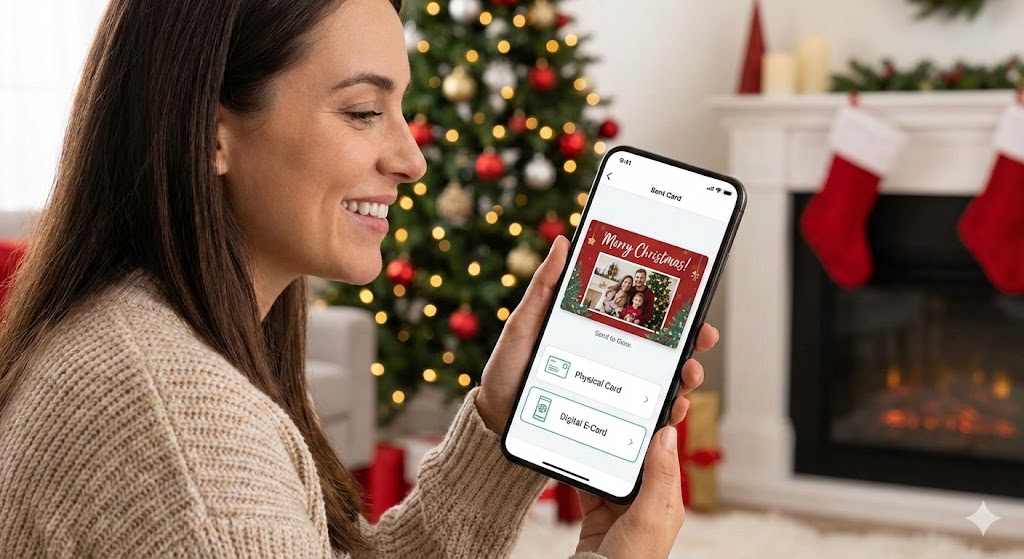
Postable is unique because it handles the entire “snail mail” logistics chain for you. You pick the design (from independent artists) and type your message; they print, stuff, stamp, and mail it.
- Key Feature: They offer a free “Address Book” tool that emails your friends a link to fill in their current mailing address, which automatically saves to your account.
- Format: Physical real-paper cards.
- Platform: iOS, Android, Web.
2. Ink Cards
 2. Ink Cards
Best For: Turning phone photos into physical postcards.
If you have a great family photo on your camera roll, Ink Cards is the fastest way to get it into a mailbox. It focuses on simplicity: upload a photo, add text, and send.
- Key Feature: Incredibly cheap entry point (cards start around $2 with postage included).
- Format: Physical thick postcards (glossy).
- Platform: iOS, Android.
3. Canva
 3. Canva
Best For: DIY creative designs and social media blasts.
While not a “mailing service” per se, Canva is the king of design. It offers thousands of free holiday templates that you can customize heavily. You can download them to email/text, post to Instagram, or order prints to mail yourself.
- Key Feature: “Magic Write” (AI) can help you generate holiday messages if you have writer’s block.
- Format: Digital (Jpg/MP4) or Physical (via Canva Print).
- Platform: iOS, Android, Web.
4. Handwrytten
 4. Handwrytten
Best For: “Handwritten” notes for a personal touch.
This app uses robots to write your message in real ink with a pen, so it looks like you wrote it yourself. It is excellent for professionals or anyone who wants the warmth of handwriting without the hand cramp.
- Key Feature: You can choose from various handwriting styles (messy, neat, cursive) to match your own vibe.
- Format: Physical handwritten cards.
- Platform: iOS, Android, Web.