How to Choose an External Hard Drive for Backups
This post contains affiliate links. If you buy or sign up through them, we may earn a commission at no extra cost to you.
An external drive is one of the easiest ways to keep a second copy of your photos and documents. The right one depends on how much data you have and how you plan to use it.
HDD or SSD?
- HDD (hard disk drive): offers more storage for the price and suits large photo and video libraries that you back up occasionally. It has moving parts, so handle it carefully.
- SSD (solid-state drive): faster, quieter and more resistant to bumps because it has no moving parts. It usually costs more per gigabyte.
How much storage do you need?
Add up the size of the files you want to protect, then choose a drive at least twice as large. That leaves room for your data to grow and for keeping older versions. Check how much space your computer and phone use before you shop.
Connection and speed
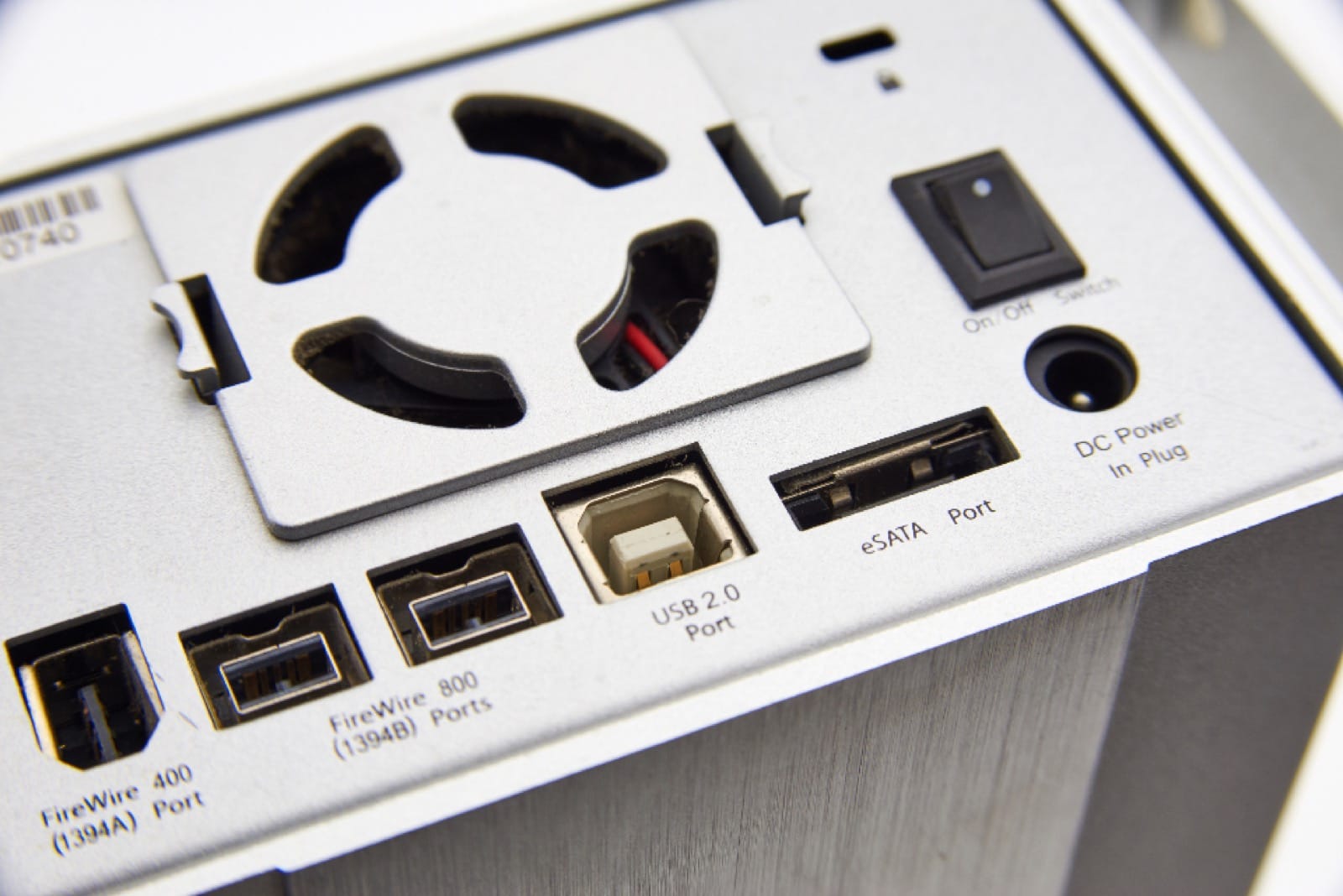
Most modern drives connect by USB. Check that the cable and ports match your computer: USB-C is common on newer laptops, while older computers may use USB-A. Faster USB standards make large backups finish sooner, but your computer also has to support them.
Portable or desktop drive
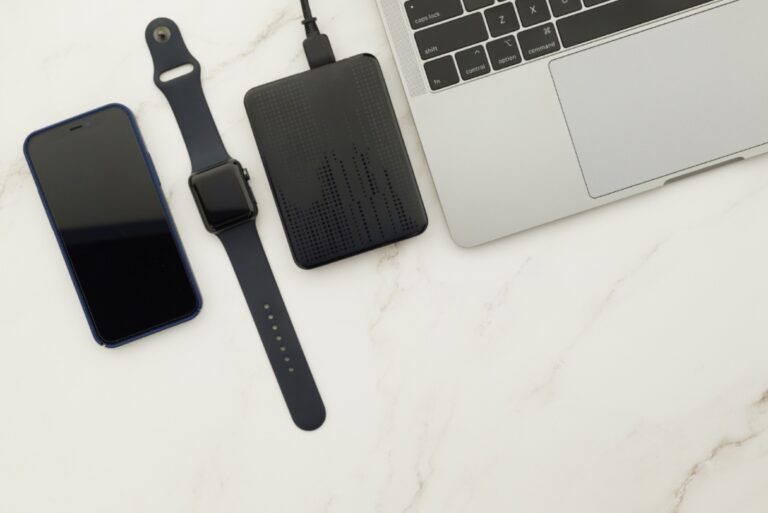
Portable drives are small and powered by the USB cable, so they are convenient for laptops and travel. Desktop drives are larger and need a power adapter, but they often offer more capacity for the price and stay on your desk.
Durability and security
- Rugged or shock-resistant models are a good idea if you carry the drive often
- Look for hardware or software encryption if the drive holds sensitive files
- Check the warranty length and what it covers
Set up a simple backup routine
A drive only protects you if you actually use it. Set a regular reminder, or use the backup tool built into your computer to run automatically. For important files, follow the 3-2-1 approach: three copies, on two types of storage, with one copy kept off-site. Our guide on how to back up your photos and files explains it step by step.
Where to look
You can compare current models and customer reviews on Amazon: portable external hard drives, portable SSDs and rugged drives. Prices and availability change often, so check the current listing before you buy.